1
Upload one flight
Select the original photos from a single drone flight.
 AerialAlign
AerialAlign corrects GPS position errors in your flight images before photogrammetry, helping your maps and measurements align more closely with the real world—without new hardware.
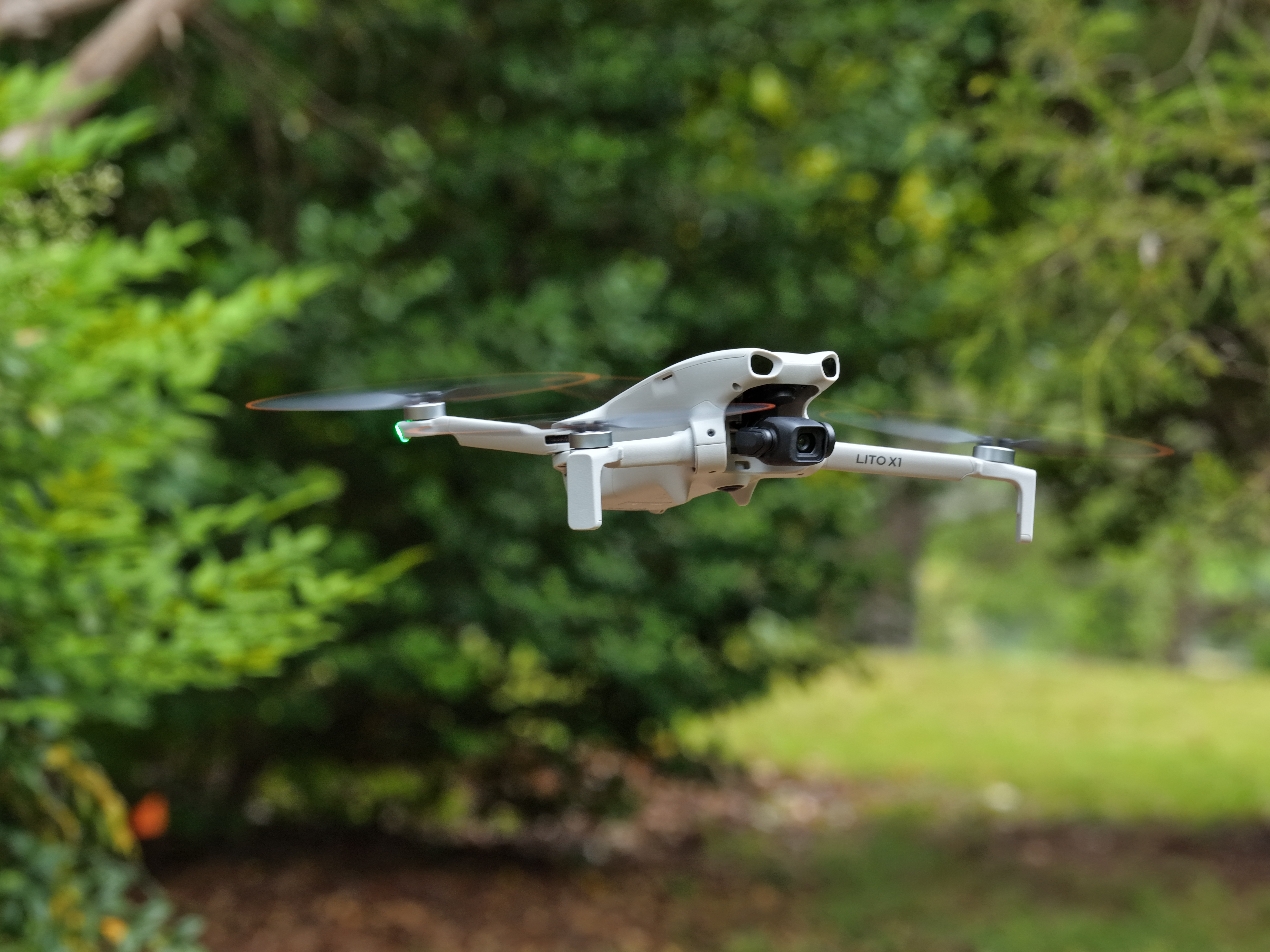
Coordinate error is how far the photos are from the real-world position as if it was surveyed. Less error here results in repeat scans lining up better, making it easier to spot differences.
See how this was tested
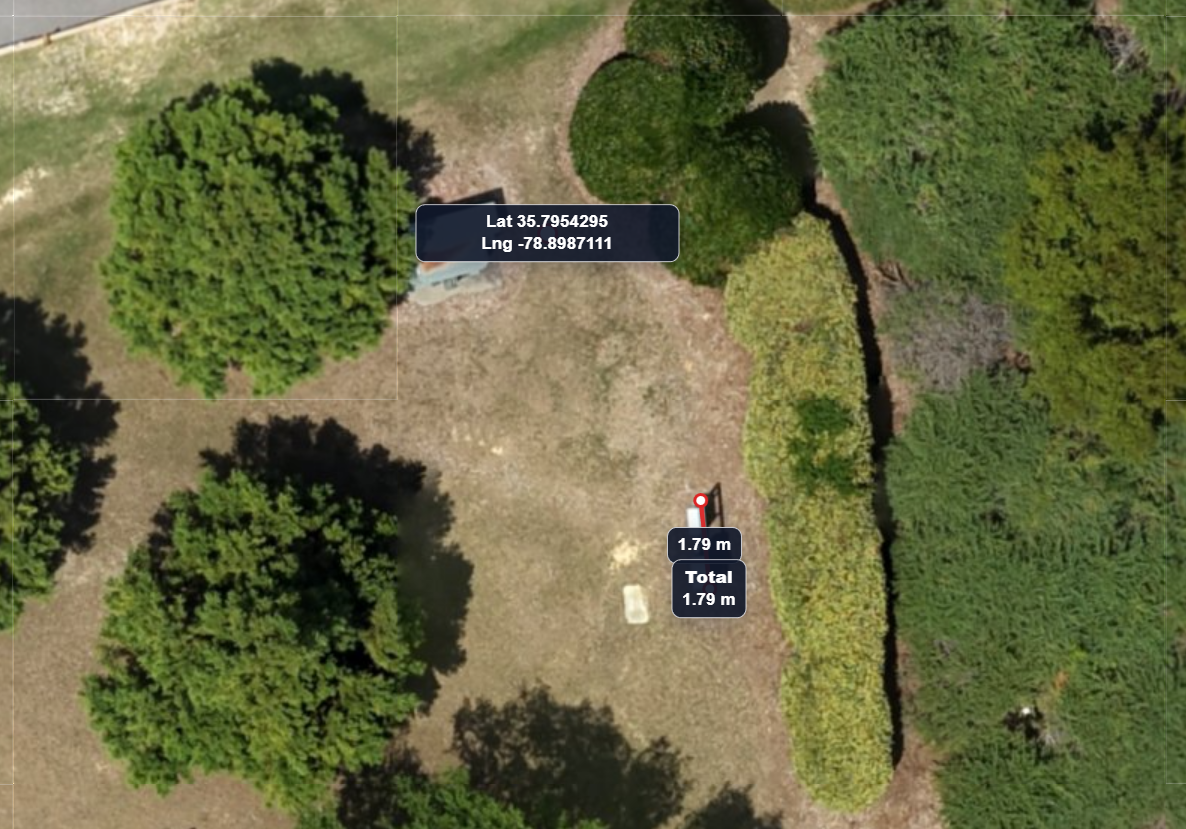 Before
After
Before
After
Test 1: Coordinate error reduced from 1.188 m to 0.33 m using the same reference point.
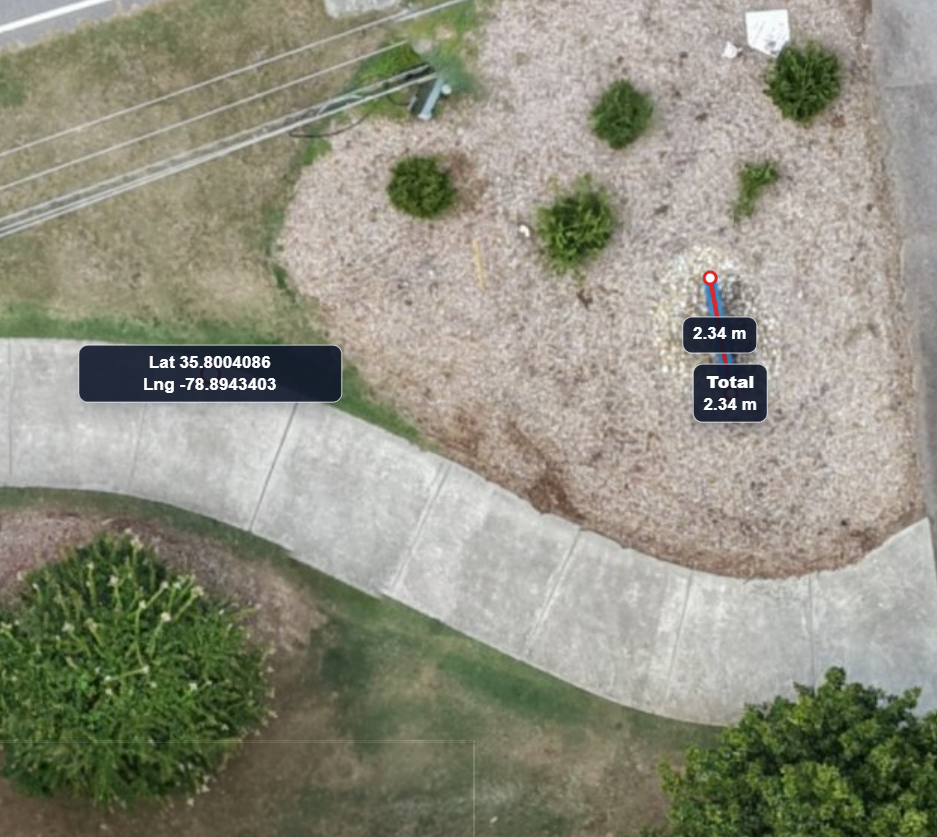
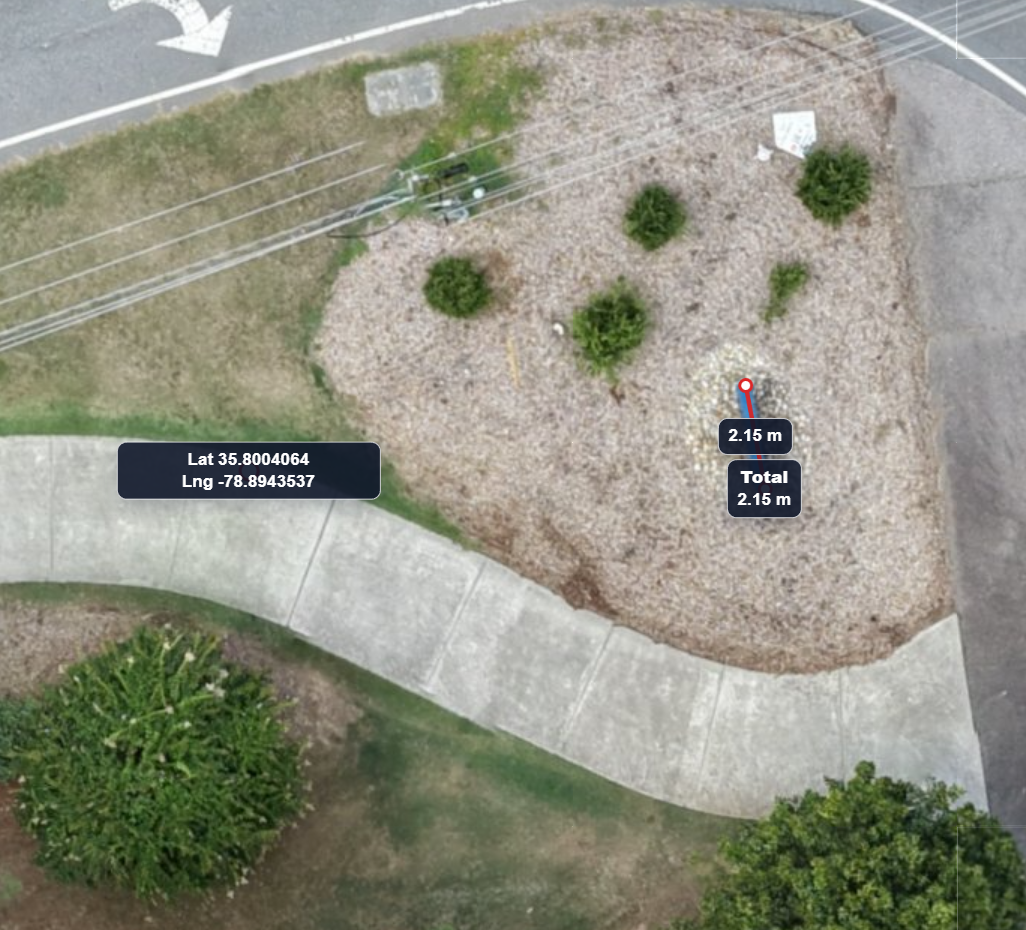 Before
After
Before
After
Test 2: Coordinate error reduced from 1.50 m to below 0.50 m using the same reference point.
Measurement error is how close drone flown scans of sites match real world measurements. Less error here means less wasted materials ordered and a more reliable final result.
See how this was tested (Video coming soon)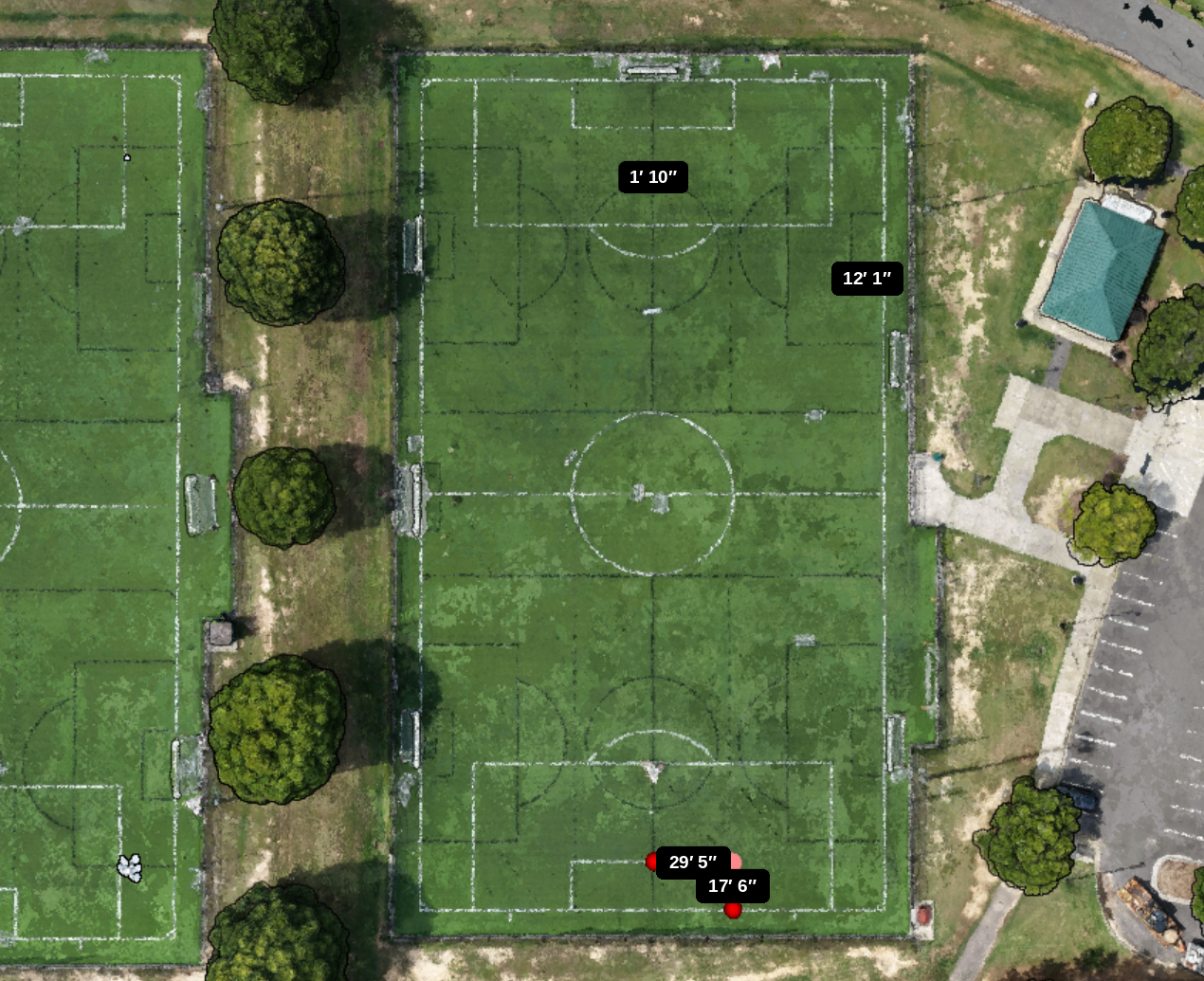
 Before
After
Before
After
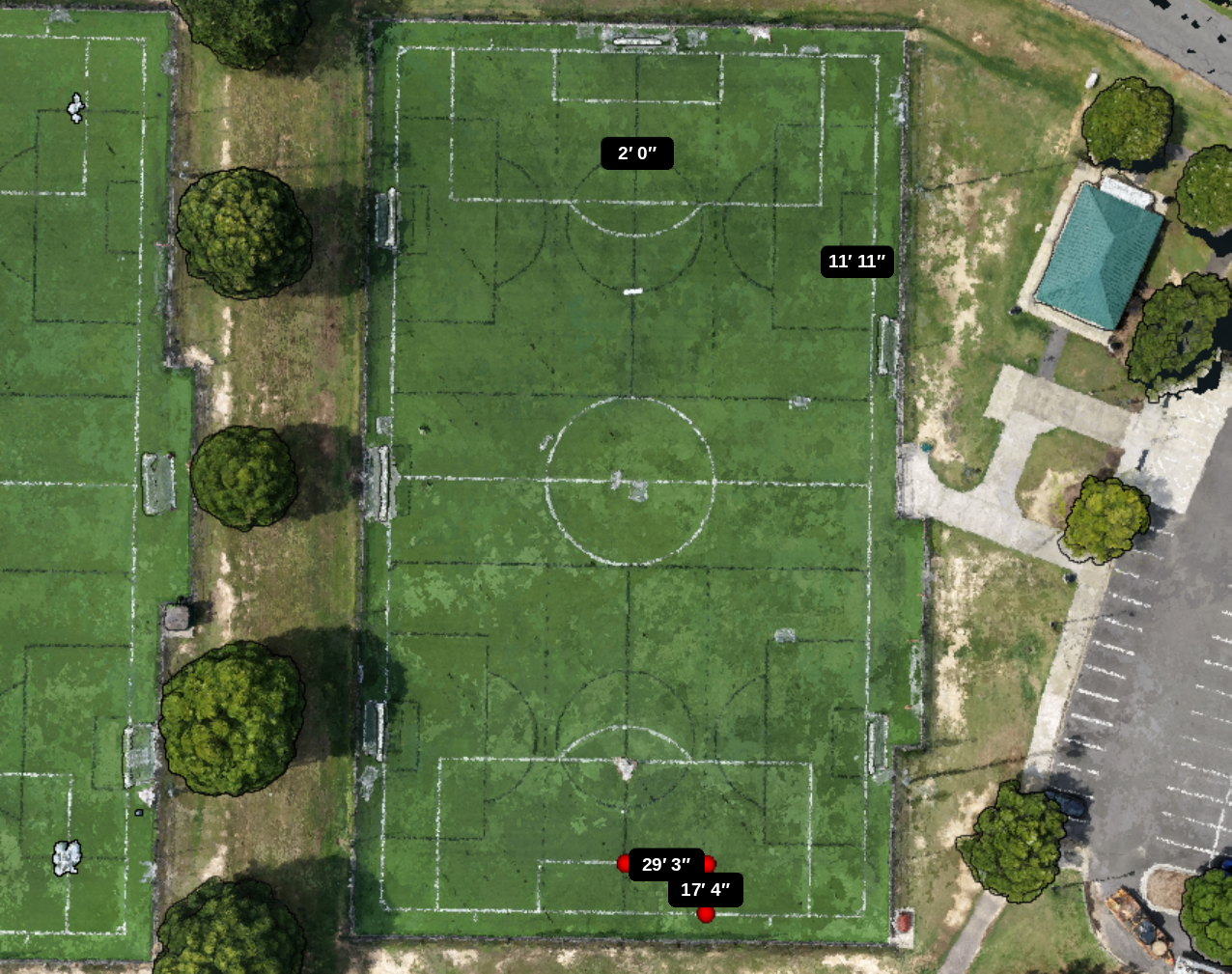
| Position | Actual dimension | Before AerialAlign | Before error | After AerialAlign | After error |
|---|---|---|---|---|---|
| Measurement 1 — top | 2 ft | 1 ft 10 in | −2 in | 2 ft | 0 in |
| Measurement 2 | 11 ft 10 in | 12 ft 1 in | +3 in | 11 ft 11 in | +1 in |
| Measurement 3 | 29 ft 3 in | 29 ft 5 in | +2 in | 29 ft 3 in | 0 in |
| Measurement 4 — bottom | 17 ft 4 in | 17 ft 6 in | +2 in | 17 ft 4 in | 0 in |
Dimension test: the corrected image matched three of the four field measurements exactly and was within one inch on the remaining measurement.
No new hardware or complicated processing workflow.
Select the original photos from a single drone flight.
AerialAlign shows what changed and the estimated error range.
Use the corrected photos in your normal mapping, inspection, or reporting workflow.
Review compatibility before uploading your flight.
Upload the original photos, download the corrected flight, and process as usual.
Upload a flight for free